Coam Tracker
Every redemption logged in seconds.
Each account works on one device at a time. If you want to use more than one device, sign up for another account — each device has its own account and its own data.
Payment received!
Your account is being set up. Check for an email with a link to set your password — usually arrives within a minute or two.
Payment received — welcome!
One last step: choose your login and your store opens.
Already have a login with us? Sign in instead — your payment attaches automatically.
Pick a plan and pay — your account is created automatically, no waiting.
Payments aren't refundable — canceling stops future charges, and you keep all time you've paid for.
Get Coam Tracker for your store
New accounts are activated by our team. Call or text us — most stores are up and running the same business day.
Call (404) 992-8675 Text (404) 992-8675© 2026 Coam Tracker, LLC · Coam Tracker™ · All rights reserved
Admin Dashboard

Admin Dashboard
Coam Tracker · your business at a glance
Green = fine. Yellow = look when you can. Red = look now. Tap a light to go there.
Tap any number or row to see the list behind it. Arrows compare to the period before.
Are we going up? This line should always climb.
What comes in each month if nobody leaves, and what's due soon. Exact payments live in Stripe.
Where do people drop off? The biggest drop is where to fix first.
Where people come from tells you where to spend your time. Use links like coamtracker.com/?src=whatsapp so posts get counted.
Who's using it, who's gone quiet. Quiet stores are the ones that leave — a quick call keeps them.
If something here turns red, open Settings → Recent Errors.
What the website and the app show right now.
Totals only. No store's own numbers, no customer data — there is no button anywhere that shows them.
🆓 Free trials (unpaid accounts)
A free trial is a real account — the full app, everything saved — that stops when the time you picked runs out (minutes to years). Extend it with "+ time", or they pay and move to Stores. When they pay, they get one choice: keep the trial records or start fresh (trial records go to the sealed archive). Demo logins (sample data) also live here. Tap one to open it.
Faster way: 🔑 Create login on the Stores tab — demo or paid, password made for you.
Give them a short username and password — no email needed on their end.
👑 Masters — partners who bring their stores
Each master gets a cut of every store he brings, for as long as it pays. Tag his stores on each store's card. The money shown is an estimate — you cut the actual check.
🌐 Website Visitors
People (page views in smaller print) — counted by your own database, nothing shared with anyone.
① How do people sign up?
This decides what the Sign Up button on the login screen does. Change it any time.
Leave a box empty to use the standard wording shown in gray.
② Prices & special pricing
These prices are live everywhere at once — the website, the signup screen, the paywall, and what Stripe actually charges. The preview at the bottom updates as you type.
Monthly
Yearly
A sale shows and charges through the end of its day, Eastern time — then the price reverts by itself. Nothing to remember to turn off.
🎁 Yearly-plan giveaway (on the website)
✏️ Wording & picture on the website's pricing area
Leave any box blank to keep the standard wording.
👁 Preview — matches the Pricing card on coamtracker.com, the Billing screen, and Sign Up, exactly as customers see it:
③ Your message inside the app
Shows on the signup screen, the 30-day banner, the paywall, and Settings → Upgrade. One line per line typed. Blank = nothing shows.
👁 Preview — how it looks in the app:
🏷️ "EARLY ACCESS" tag next to the app logo
📣 Message to all stores
Send a popup every signed-in store sees ONE time (like the update notice). Great for announcing new features. Tap Send again with new text to push a new message.
🎁 Gift Card Site pricing
What the gift-card website shows. Changes apply instantly. (This is the separate gift-card promo site — nothing here touches the main app pricing.)
Generated Codes (Copy & Share)
People who filled out the "Sign up — we'll call you" form on the website. The flow: tap "Give Demo" to send them a personal demo link, set the lead to "Follow up", call them 2–3 days later, then move them to "On trial" (or "Not interested"). The list sorts itself so whoever needs action is on top.
📰 News Desk
How coamtracker.com/news/ stays current without a deploy. Nothing goes live until you tap Approve.
Drafts from the watch
Add a date or item by hand
Sources we watch
Live on /news/ now
Errors that happened on customers' devices, newest first. Grouped by message. Needs UPDATE_v3.0.2.sql to be run once in Supabase.
Your plan has ended
Upgrade to keep using Coam Tracker.
Your records are safe and will be waiting for you. To keep using the app or activate your account, call or text us — most stores are reactivated the same day.
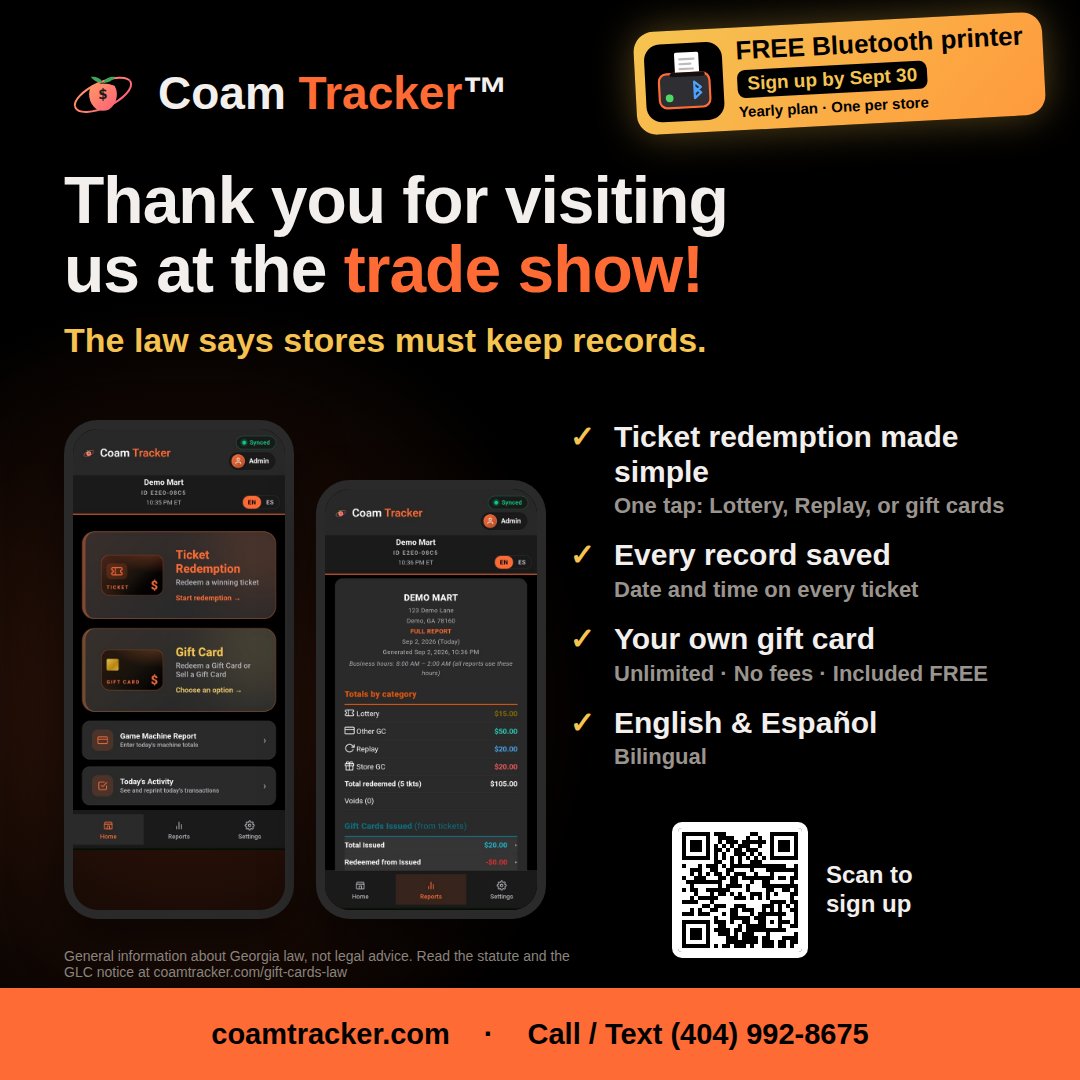
Call (404) 992-8675 Text (404) 992-8675- ✓Every redemption logged in seconds — no more paper logstap once to record a redemption, it's saved and easy to find later
- ✓FREECards On A Mobile — sell your own gift cardsthis alone costs $25/month on its own — yours at no extra charge
- ✓FREE"Gift Cards Sold Here" window decalshipped to your store, no charge
- ✓Setup made easydo it yourself in minutes — or get free live help, and someone walks you through every feature, step by step
- ✓Works in English and Spanishswitch anytime, right in the app
Prefer month to month? $50/month, no commitment.
Payments aren't refundable — canceling stops future charges, and you keep all time you've paid for.
Your data is safe — nothing is deleted. The moment you renew, all your settings and records are exactly where you left them. Want a copy for your records?
Your customers' gift cards still work here
Even without an active plan, every gift card you issued can still be redeemed here, free of charge. Your records stay safe and viewable.
Game Machine Report
Ticket Amount
Gift cards are turned off in the demo.
Selling, redeeming, and tracking store gift cards lives here in the full version.
Customer pays for a new gift card. Deals set in Settings → Gift Cards show on the buttons by themselves.
Reports are turned off in the demo.
Daily, monthly, and yearly reports live here in the full version.
Month
Each day displays Total In, Total Out, and the gross difference. A dash (—) indicates a figure that has not been entered.
Tap a day to view its report · double-tap to edit its entries
Store
Users
Gift Cards
Hardware
Appearance
Data
Account
Fresh Start
Start clean after test transactions or a business change. ALL transactions (voids included), ALL gift cards and their history, and ALL Machine Report entries move into a sealed archive — they disappear from the app but are NOT destroyed. Your store info, users, and settings stay.
🔒 Why an archive? Georgia COAM rules require keeping redemption records for at least 5 years. Records moved to the archive are not destroyed — keeping your own copies is still your responsibility. A download for your own files is still offered first.
Backup
A real point-in-time snapshot of your transactions. One is taken automatically each day you use the app — grab one manually anytime before making big changes.
The last 30 backups are kept. To go back to one, use Restore.
Restore
Pick a backup below to go back to it. Restoring replaces your current transaction history with that snapshot — it cannot be undone.
Export
Your complete data as a CSV spreadsheet — opens in Excel or Google Sheets. Good for your accountant or your own records.
Import
Bring in a backup file (JSON) that was downloaded earlier — from this device or another one.
Download
Save a backup file (JSON) onto this device — an offline copy you fully control. Bring it back later with Import.
Gift Card Promotions
Pick a deal — it shows on the sell screen by itself. Cashiers never touch prices. The card keeps its full value; the discount is written on the sale and every report.
Card Rules
Things a SOLD gift card can NOT buy at your store. Shows on sold-card receipts, the shared message, and the customer's wallet card. Issued (ticket) cards keep their own legal rules and are not affected.
Owner Alerts
Know every gift card sale. Instant = the moment a card sells. Daily = one summary email each night.
Ticket Scanner
Turning the scanner off hides the camera button in Ticket Redemption.
Store setup
📲 Wallet counter sign
Print this and tape it by the register. Customers scan it once to open their wallet — after that, you send cards straight to their phone.
Auto-lock
Nobody touches the register for a while? The app goes back to the "Who's working?" screen. Nothing is lost — tap your name to keep going.
Store timezone
Sets the store's business day for records, reports, and receipts. Georgia stores stay on Eastern.
Store Hours of Operation
The time you change shifts and pull your game machine end-of-day report.
If you're open past midnight, sales before your closing time still count as the day before.
Daily Report Email
To receive daily reports, enter your email address here. One email every morning (~3am) with yesterday's numbers — tickets paid out, machine in/out, and gift cards. Monday's email also recaps last week. Leave it empty to turn reports off.
GLC / Net Profit split
Used in the Game Machine Report. Always adds up to 100%.
Bluetooth Printer
Connect your Bluetooth receipt printer once — after that, receipts print straight from the app. No extra apps needed. Works in Chrome and Edge on Android phones, tablets, and computers.
📟 Built-in Printer (handheld / PDA)
Using a handheld with the printer built in? Turn this ON and receipts print straight out — no print screen. Needs the free RawBT app on this device, set to its printer. This device only.
Receipt Printer
If you're printing to a thermal receipt printer, pick its paper width so receipts print at the right size instead of a full sheet.
🔊 Register Sounds
Beeps for scans, saves, transfers, and approvals — so the cashier hears it worked without looking. This switch is for this device only.
Role
Permissions
Muted green comes with the role · tap any box to adjust before adding. You can always change these later.
Every person needs their own PIN — the app won't let you reuse one that's already taken.
Role
Permissions
Change Sign In Password
Customer Service
We welcome your feedback! Questions, ideas, a bug, or anything you need help with — please reach out any time. A real person reads every message.
[email protected] 404-992-8675App Tour
New here, or training a new employee? Replay the guided tour that walks through every part of the app.
Your account
Upgrade / Renew
Payments aren't refundable — canceling stops future charges, and you keep all time you've paid for.
Manage billing
Change your card, see receipts, or cancel auto-renewal. Canceling keeps the app working until the time you already paid for runs out.
Selling, closing, or leaving?
Delete your account. You get your records first, and any gift cards your customers are still holding keep working until they're used up.
Mode
Color
Changes the app's colors only — receipts, redemption type colors, and Positive/Negative indicators stay the same in every theme.